How to Add a New Deal
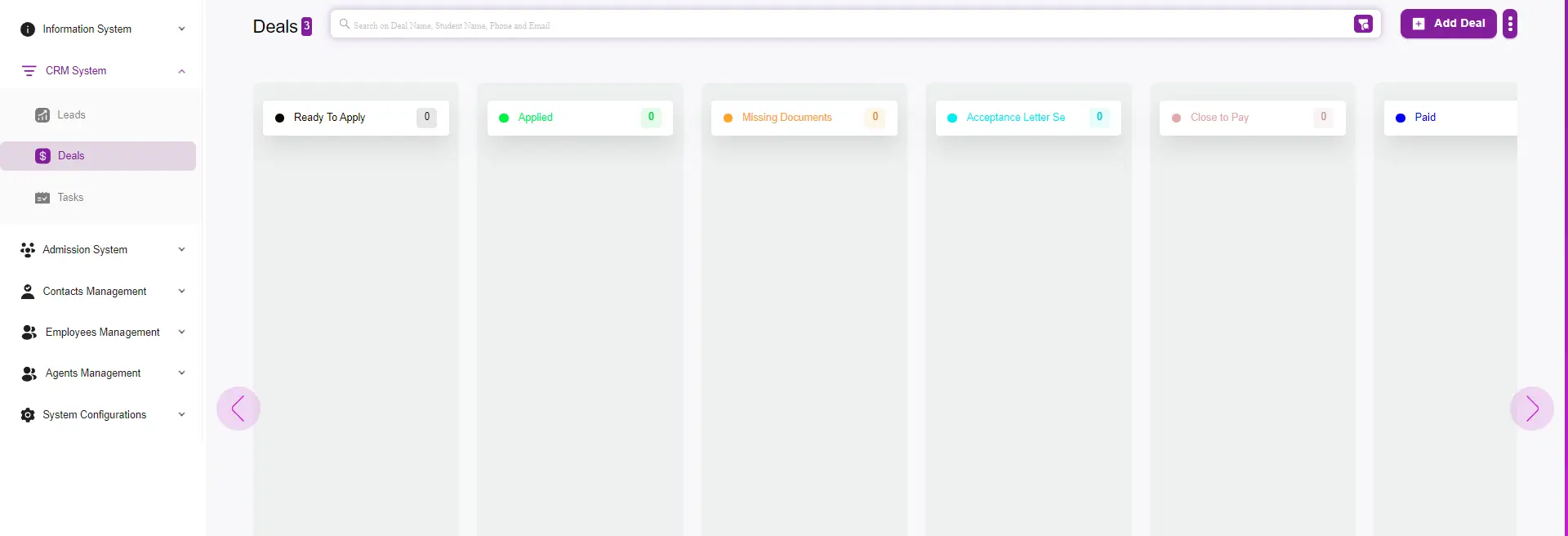
Step 1: Go to the CRM System
- Navigate to the Deal tab.
Step 2: Add a Deal
- Click the Add Deal button.
Step 3: Fill Out the Deal Information
Fill out the deal details, including:
- Deal Name
- Email Address
- Phone Number
- Funnel Stage (sales pipeline stage)
- Sales Person (assigned to follow up with the lead/deal)
- Source Method (where the deal came from)

Step 4: Submit
- Finally, click Submit or Submit & Open.